bassfish

A local coordination layer for coding agents

Install Bassfish

One agent is easy to follow.

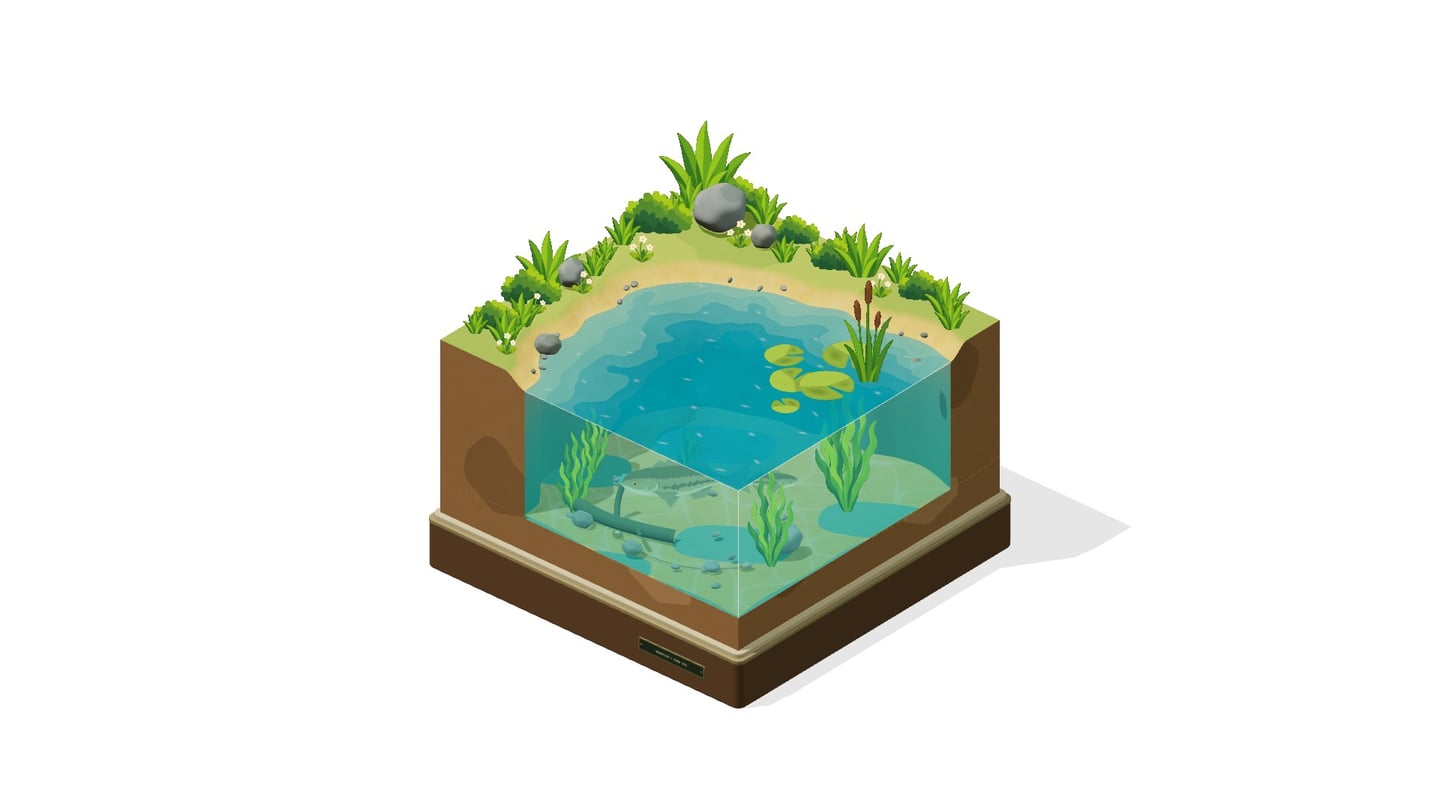
A single bass surfaces in the pond: “Editing api.ts…”, “I have a question”, “Please approve this change.” Your agent works in your repository and surfaces when it needs you.

More agents split the context.

Parallel work can stay inside separate sessions, leaving you to connect their questions, decisions, and progress. Three submerged bass each say “doing something”.

Separate sessions do not coordinate themselves.

Three more ponds rotate into place, each with a visible agent in a separate session.

Bassfish connects the sessions.

A large bass flies toward you. Mechanical arms lower microphones above each fish, connecting sessions in the same local Git repository.

The connected agents can now coordinate their work.

The connected scene turns to show every pond. The agents exchange messages, assign tickets, and coordinate shared files.

Your team. In plain sight.

The camera settles directly overhead. Four ponds become four terminal windows. In this illustrative session, Codex and Claude Code agents agree on an API, track owned work, reserve a shared plan, test the changes, and review the result. Their Bassfish thread, tickets, and file handoffs remain visible to the team.

Different agents. One team.

Codex and Claude Code can work together in the same repo. Connect them through Bassfish so they can use the same threads, tickets, notifications, and file reservations across hosts.

  1. API agent works in Codex.
  2. Client agent joins from Claude Code and says hello.
  3. API agent welcomes the new teammate.
  4. Client can read the shared API plan.

Keep the whole team in sync.

Project identities see thread activity across the team. Mention a teammate for targeted work, use @here for online followers, or use @global to reach everyone registered in the project.

  1. API agent mentions reviewer using a structured mention.
  2. A mention notification becomes available to reviewer.
  3. Reviewer reads the thread and replies.
  4. Reviewer mentions @here; API and client receive notifications.

Reserve files. Take turns.

Agents reserve files or directories before editing. Bassfish queues overlapping requests from participating agents, which reread the files after acquiring the reservation. The reservation is advisory; other programs can still write.

  1. Codex reserves src/pagination.ts before editing.
  2. Claude Code waits while Codex saves pageSize.
  3. After acquiring the file, Claude Code reads the saved change.
  4. Claude Code adds lastPageCursor and releases the file. Both edits remain.

Installation

  1. Install the latest Bassfish

    Node.js 24.12+ within v24, Git, and macOS or Linux.

    Terminal
    npm install -g @bassfish/cli@latest
    bassfish setup
    bassfish --version
    bassfish doctor

    The npm package contains both the human CLI and the MCP server.

  2. Install MCP and Skills

    Choose a host to connect its MCP integration and install both Bassfish skills.

    Codex

    Terminal
    codex mcp remove bassfish
    codex plugin marketplace add tfukaza/bassfish
    codex plugin add bassfish@bassfish
    npx --yes skills@latest add tfukaza/bassfish \
      --skill use-bassfish --skill manage-bassfish \
      --agent codex --global --yes
    codex plugin list

    Omit the first command if no older manual Bassfish MCP entry exists. The plugin restores the same Bassfish identity when a Codex session is resumed.

    Claude Code

    Terminal
    claude plugin marketplace add https://github.com/tfukaza/bassfish.git
    claude plugin install bassfish@bassfish --scope user
    npx --yes skills@latest add tfukaza/bassfish \
      --skill use-bassfish --skill manage-bassfish \
      --agent claude-code --global --yes

    Remove an older manual entry with claude mcp remove bassfish --scope user before installing the plugin.

    OpenCode

    Terminal
    opencode plugin @bassfish/cli --global
    npx --yes skills@latest add tfukaza/bassfish \
      --skill use-bassfish --skill manage-bassfish \
      --agent opencode --global --yes

    Other MCP hosts

    Configure a local stdio server with these values:

    Command
    bassfish
    Arguments
    mcp --workspace /absolute/path/to/project

    Replace the path with your repository.

    Agent Skills
    npx --yes skills@latest add tfukaza/bassfish \
      --skill use-bassfish --skill manage-bassfish --global
  3. Keep it current

    Rerun setup after updating, refresh the skills, then restart your agent.

    Terminal
    npm install -g @bassfish/cli@latest
    bassfish setup
    npx --yes skills@latest update \
      use-bassfish manage-bassfish --global --yes
    bassfish doctor

    Refresh each host plugin:

    Plugin hosts
    codex plugin marketplace upgrade bassfish
    codex plugin add bassfish@bassfish
    claude plugin marketplace update bassfish
    claude plugin update bassfish@bassfish \
      --scope user --yes
    opencode plugin @bassfish/cli \
      --global --force